How to Use a Word Counter Tool for Better Content Writing (Complete Guide)
Writing great content is not just about ideas—it’s also about structure, clarity, and precision. Whether you're a blogger, student, or SEO expert, managing your word count plays a crucial role in delivering high-quality content. That’s where a word counter tool becomes incredibly useful.
Many writers ignore word count until the end, but professionals know it should guide your writing process from the beginning. A well-optimized article with the right length improves readability, search rankings, and user engagement.
In this guide, you’ll learn how to use a word counter tool effectively, along with practical tips to improve your writing. If you're serious about content quality and SEO, this guide will help you level up your writing instantly.
What is How to Use a Word Counter Tool for Better Content Writing
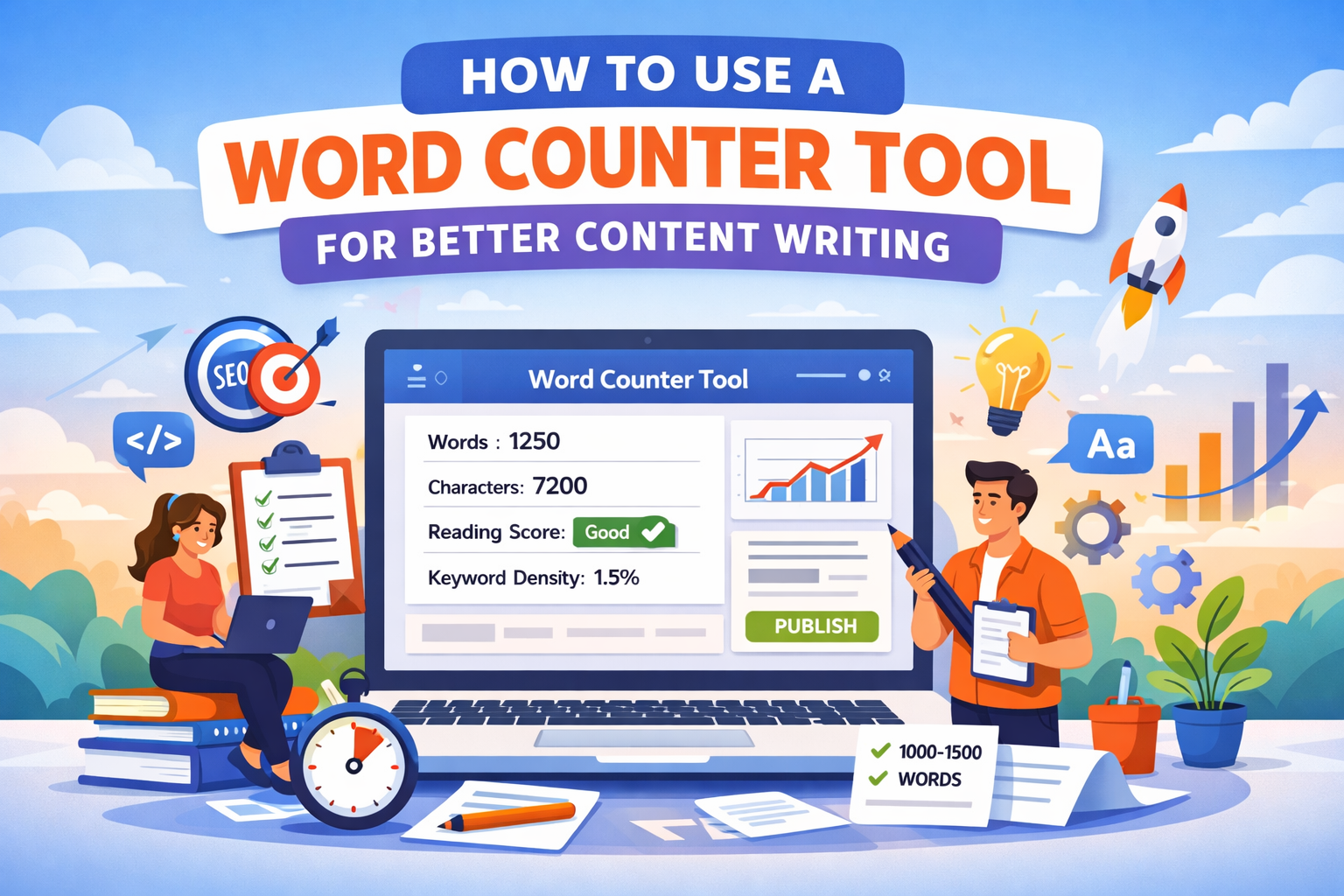
A word counter tool is an online utility that calculates the number of words, characters, sentences, and paragraphs in your text. But modern tools go beyond simple counting—they also provide readability scores, keyword density, and writing insights.
For example, you can use the Word Counter Tool to instantly analyze your content and get detailed statistics.
These tools are especially useful for:
- Blog writers optimizing SEO content
- Students meeting assignment requirements
- Copywriters maintaining concise messaging
- Marketers improving engagement
Why it is important
Word count is more important than most people think. It directly impacts SEO, readability, and user experience.
Search engines often favor content that is comprehensive yet concise. For example, a blog post with 1000–1500 words usually performs better than a very short article—if the content is valuable.
Using a word counter tool helps you:
- Maintain ideal content length for SEO
- Improve readability and clarity
- Avoid unnecessary fluff
- Stay within platform limits (like social media or ads)
If you’re also optimizing images for your content, check this guide: Image Optimization Guide.
Step-by-step guide
Using a word counter tool is simple, but using it effectively requires a smart approach.
Step 1: Paste or Write Your Content
Start by entering your text into the tool. Most tools allow real-time tracking, so you can write directly inside them.
Step 2: Check Word and Character Count
Look at the total word count and compare it with your target. For example:
- Blog posts: 1000–1500 words
- Product descriptions: 150–300 words
- Meta descriptions: 150–160 characters
Step 3: Analyze Readability
Good tools also show readability scores. Aim for simple, easy-to-read sentences. Short paragraphs improve user experience.
Step 4: Optimize Keywords
Use tools like Keyword Density Checker to ensure your keywords are used naturally without overstuffing.
Step 5: Edit and Refine
Remove unnecessary words, simplify sentences, and make your content more engaging.
If you're writing code-related content, tools like HTML Formatter can help keep your structure clean.
Best tools to use
Here are some of the best tools you can use for content writing optimization:
- Word Counter Tool – For word, character, and readability analysis
- Keyword Density Checker – Optimize SEO keywords
- Paragraph Counter – Improve content structure
- Sentence Counter – Analyze sentence complexity
- Character Counter – Perfect for social media and meta limits
For more content writing strategies, check this guide: Content Marketing Toolkit.
Tips and best practices
Using a word counter tool effectively requires more than just counting words. Here are some practical tips:
- Write first, optimize later: Focus on ideas first, then refine word count.
- Keep sentences short: Aim for 10–20 words per sentence.
- Use active voice: It makes content clearer and more engaging.
- Break content into sections: Use headings and bullet points.
- Maintain keyword balance: Avoid keyword stuffing.
A good rule is: if removing a sentence doesn’t change meaning, it probably shouldn’t be there.
Common mistakes
Many writers misuse word counter tools. Here are some common mistakes to avoid:
- Focusing only on word count: Quality matters more than quantity.
- Overwriting content: Adding unnecessary words just to hit a target.
- Ignoring readability: Long sentences reduce engagement.
- Keyword stuffing: This can harm SEO rankings.
- Not editing content: First drafts are rarely perfect.
Remember, your goal is to communicate clearly—not just fill space.
Conclusion
A word counter tool is one of the simplest yet most powerful tools for improving your writing. It helps you stay within limits, optimize for SEO, and create content that readers actually enjoy.
Whether you're writing blog posts, articles, or marketing copy, using a word counter properly can significantly improve your results. Combine it with other tools and best practices, and you’ll notice a clear difference in your content quality.
Start using it today, and make every word count.