Web Development

Color Theory for Web Design: Tools and Techniques to Create Stunning Websites
Learn how color theory transforms web design with practical tools and techniques. Create visually appealing and user-friendly…
Sep 14, 2026
Convert PNG to JPG Without Losing Quality (Free Online Guide)
Learn how to convert PNG to JPG without losing quality using free online tools. Step-by-step guide with tips to keep your…
Sep 14, 2026
Essential Developer Tools for Faster Web Development (2026 Guide)
Discover the most essential developer tools to speed up your web development workflow. Learn how to build, debug, and optimize…
Sep 13, 2026
CSS and JavaScript Minification: Why and How to Minify Your Code for Faster Websites
Learn how CSS and JavaScript minification improves website speed, SEO, and user experience. A complete beginner-friendly…
Sep 13, 2026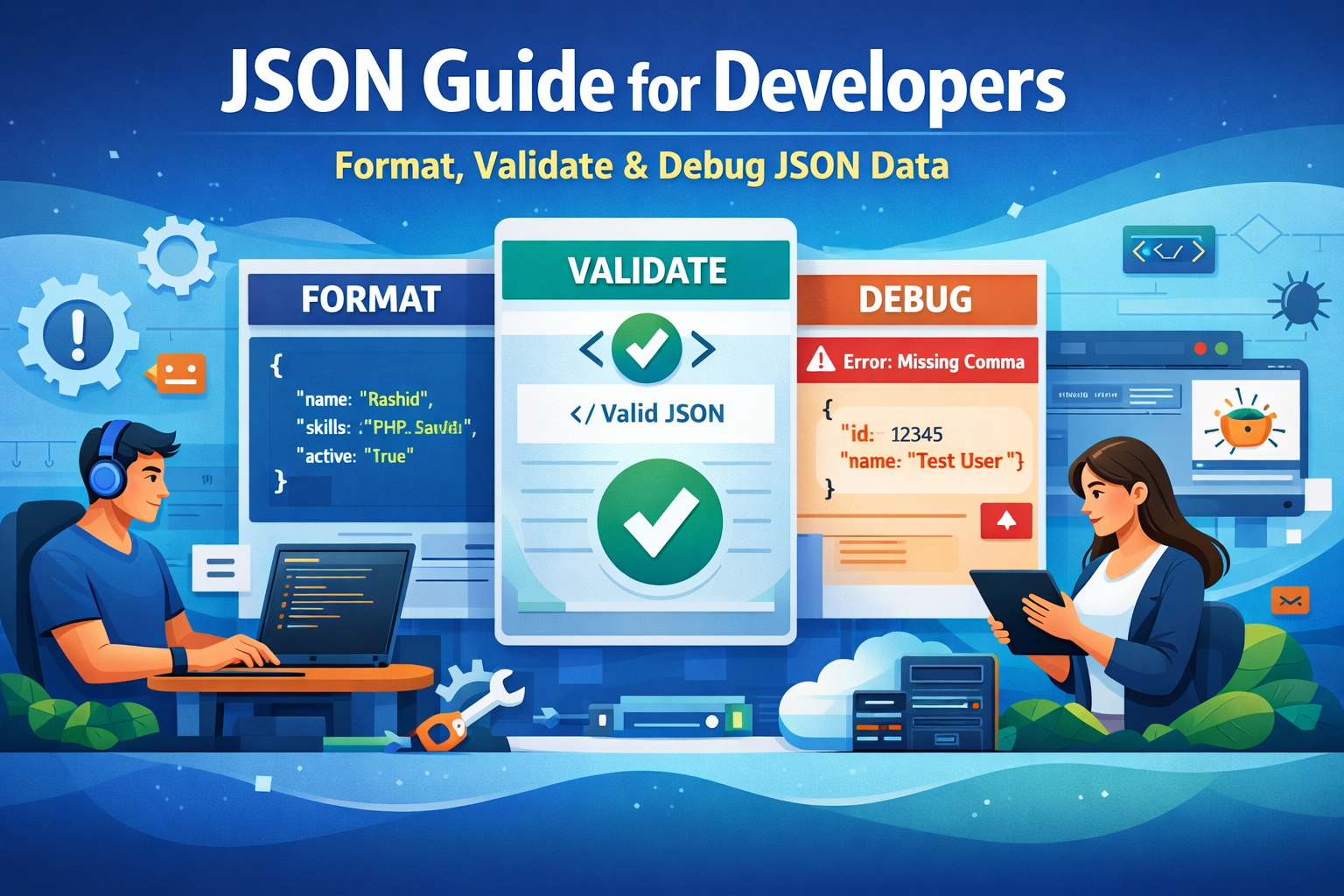
JSON Guide for Developers: Format, Validate, and Debug JSON Data (Complete 2026 Guide)
Learn how to format, validate, and debug JSON data easily. This complete guide helps developers improve efficiency, avoid…
Sep 13, 2026
JPG to WebP Converter: Boost Website Speed & SEO Fast
Convert JPG images to WebP and make your website faster, lighter, and SEO-friendly. Learn how to optimize images easily…
Sep 13, 2026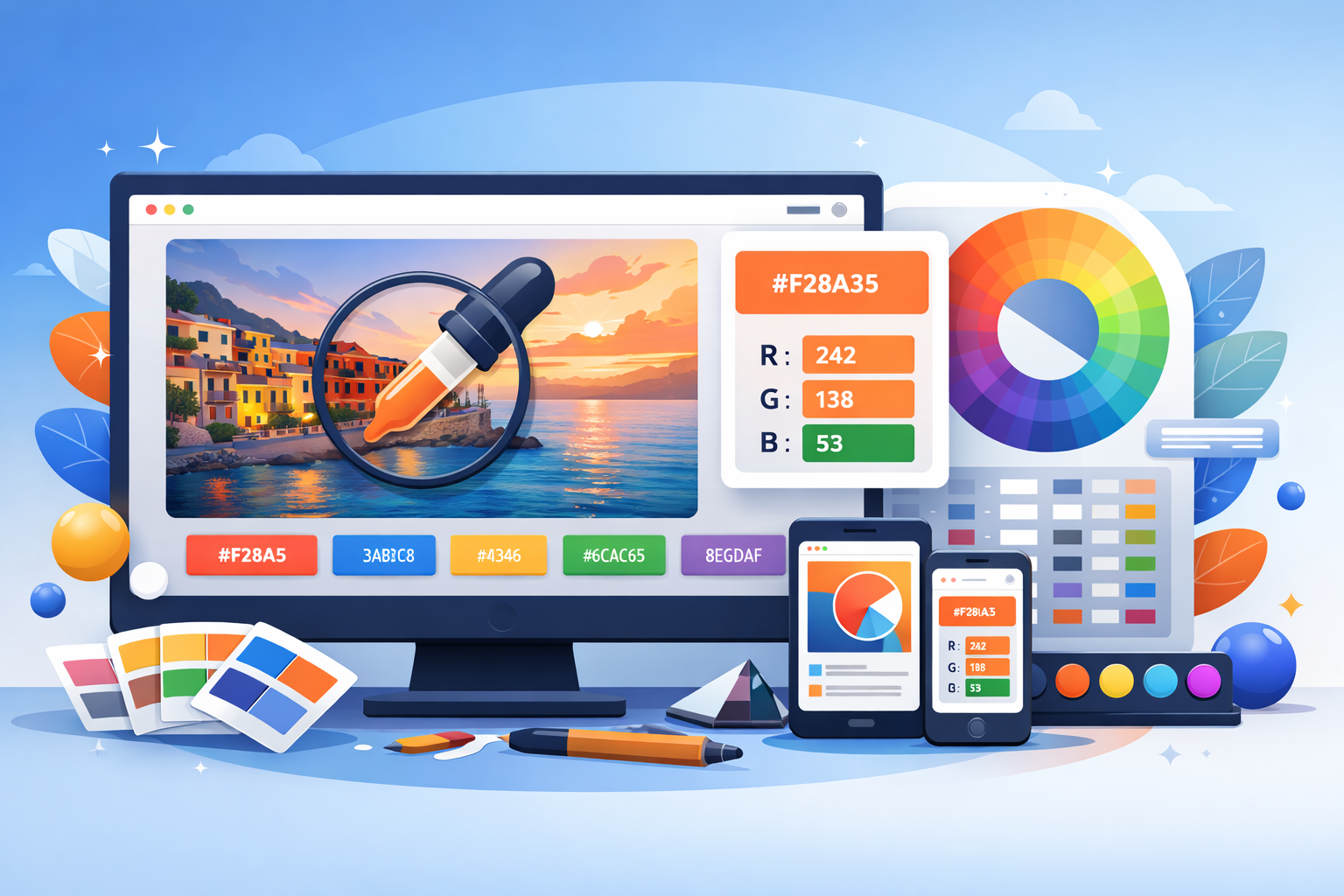
Extract Colors from Image Online – Best Color Picker from Image Tool
Easily extract colors from any image online using a powerful color picker from image tool. Perfect for designers, developers,…
Sep 13, 2026
Convert JPG to PNG Online Free - Your Ultimate Guide
Learn how to convert JPG to PNG online for free without losing quality. This complete guide covers tools, tips, and best…
Sep 13, 2026About This Category
Web Development Blogs
Web development is at the heart of the modern digital world. Whether you are building a simple blog, an advanced SaaS platform, or a high-converting eCommerce store, understanding web development is essential. This category is designed for beginners, developers, entrepreneurs, and digital creators who want to learn how to build fast, secure, and scalable websites. From frontend design to backend logic, from performance optimization to SEO-friendly coding, our Web Development content covers everything you need to succeed online.
At Toolspedia, we focus on practical knowledge. You won’t just read theory—you’ll learn how to implement real-world solutions using tools and techniques that actually work. Whether you're coding your first website or optimizing an existing one, this category will guide you step by step.
What You Will Learn in Web Development
In this Web Development category, you will explore a wide range of topics including HTML, CSS, JavaScript, backend programming, APIs, and performance optimization. You will also learn about responsive design, cross-browser compatibility, and modern frameworks. We cover essential areas such as website speed, SEO-friendly coding practices, and security implementation.
You will also gain insights into debugging techniques, code formatting, and automation tools that help developers save time and reduce errors. Whether you're working with static websites or dynamic applications, this category provides a complete learning path.
Why Web Development is Important
Web Development plays a crucial role in building your online presence. A well-developed website not only looks good but also performs efficiently, ranks better in search engines, and provides a smooth user experience. In today's competitive digital landscape, businesses rely heavily on websites to attract, engage, and convert users.
For example, a slow-loading website can increase bounce rates and reduce conversions. By understanding web development principles, you can optimize your site’s performance and improve user satisfaction. This is where tools like the Website Speed Checker and Core Web Vitals Snapshot become essential.
Key Topics Covered
- Frontend Development: Learn how to create visually appealing and responsive interfaces using HTML, CSS, and JavaScript.
- Backend Development: Understand server-side programming, databases, and APIs to build dynamic applications.
- Performance Optimization: Improve loading speed, reduce file size, and enhance user experience.
- Security Practices: Protect your website from vulnerabilities and ensure data safety.
Latest Trends in Web Development
Web development is constantly evolving. In recent years, we have seen the rise of Progressive Web Apps (PWAs), serverless architecture, and AI-powered tools. Developers are now focusing more on performance, accessibility, and user experience.
Another important trend is code optimization. Techniques like minification, compression, and lazy loading are becoming standard practices. If you want to dive deeper into optimization, check out our guide on CSS and JavaScript Minification.
Additionally, structured data and SEO integration are now essential parts of web development. Learn more in our Schema Markup Guide.
Best Tools for Web Development
Using the right tools can significantly improve your productivity and code quality. Here are some must-use tools:
- JavaScript Minifier – Reduce file size and improve loading speed.
- CSS Minifier – Optimize stylesheets for faster performance.
- HTML Formatter – Clean and structure your code for better readability.
- Keyword Density Checker – Ensure your content is SEO optimized.
Expert Tips & Strategies
To succeed in web development, focus on writing clean, maintainable code. Always follow best practices such as using semantic HTML, optimizing images, and minimizing HTTP requests. Keep your code modular and reusable.
Another important strategy is continuous learning. Technologies evolve quickly, so staying updated is key. Practice regularly by building projects and experimenting with new tools.
Also, test your website performance frequently. Small improvements in speed can lead to significant gains in user engagement and SEO rankings.
Common Mistakes to Avoid
Many beginners make the mistake of focusing only on design while ignoring performance and security. A visually appealing website is useless if it loads slowly or is vulnerable to attacks.
Another common mistake is not optimizing code. Uncompressed CSS and JavaScript files can drastically slow down your website. Developers should also avoid using too many plugins or unnecessary libraries.
Lastly, ignoring SEO during development can limit your website’s visibility. Always ensure your site structure, metadata, and performance are optimized for search engines.
How to Get Started
Getting started with web development is easier than ever. Begin by learning the basics of HTML, CSS, and JavaScript. Build simple projects like landing pages or personal blogs to practice your skills.
Next, explore backend technologies such as PHP, Node.js, or Python. Learn how to connect your frontend with databases and APIs.
Use online tools to improve your workflow. Analyze your website performance, optimize code, and ensure everything runs smoothly. With consistent practice, you can quickly move from beginner to professional level.
Explore Related Articles
To deepen your knowledge, check out these helpful guides:
Conclusion
Web development is a powerful skill that opens endless opportunities. Whether you want to build websites, start a business, or work as a developer, mastering web development is a valuable investment.
This category provides everything you need—from beginner tutorials to advanced optimization techniques. By following best practices and using the right tools, you can create high-performing websites that deliver real results.
Try These Tools
Start improving your website today with tools like the JavaScript Minifier, CSS Minifier, HTML Formatter, and Website Speed Checker. These tools will help you optimize your code, improve performance, and build better websites.