Tutorials
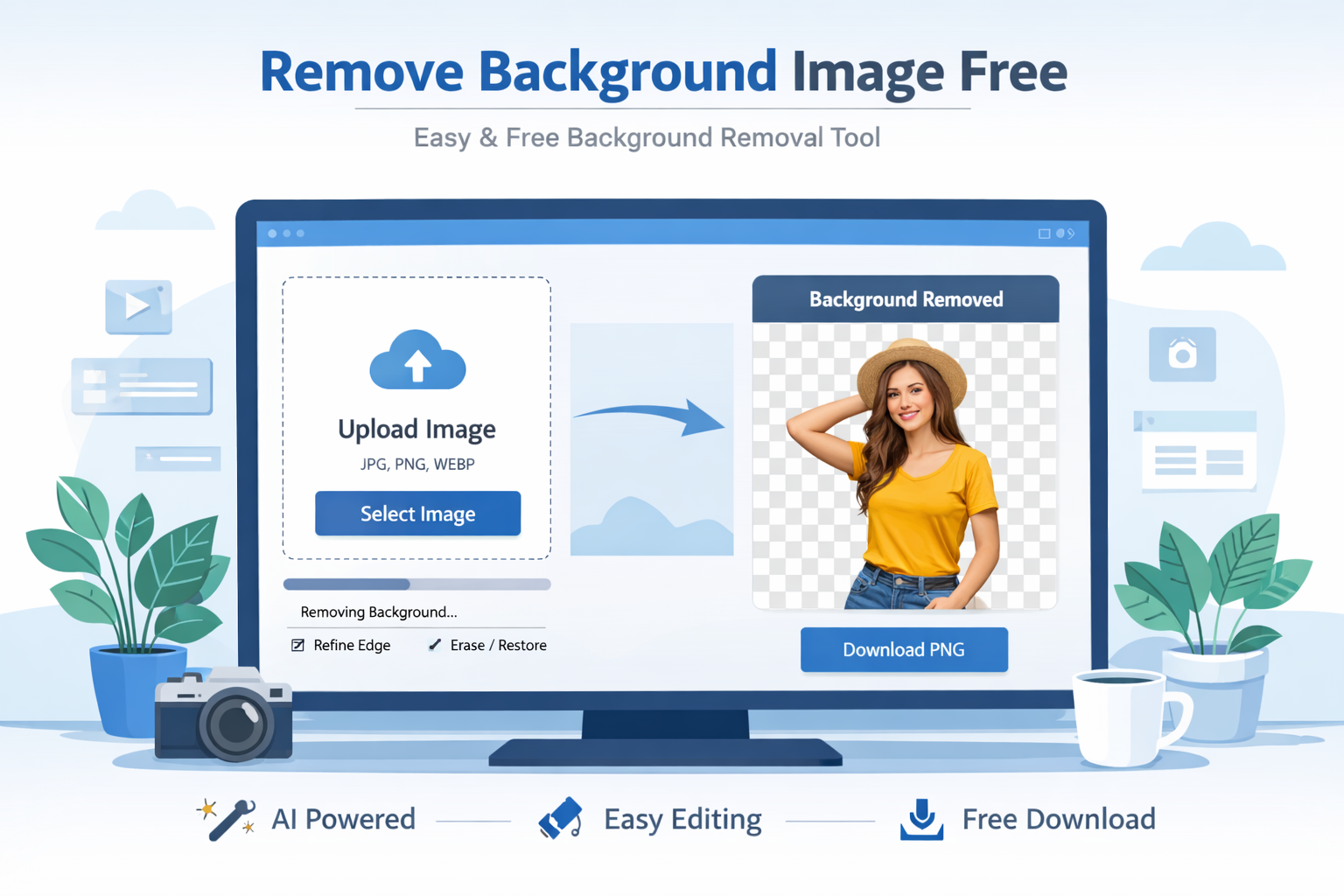
How to Remove Image Background Free (Step-by-Step Guide for Beginners)
Learn how to remove image background free using simple tools and methods. A complete beginner-friendly guide with tips,…
Sep 13, 2026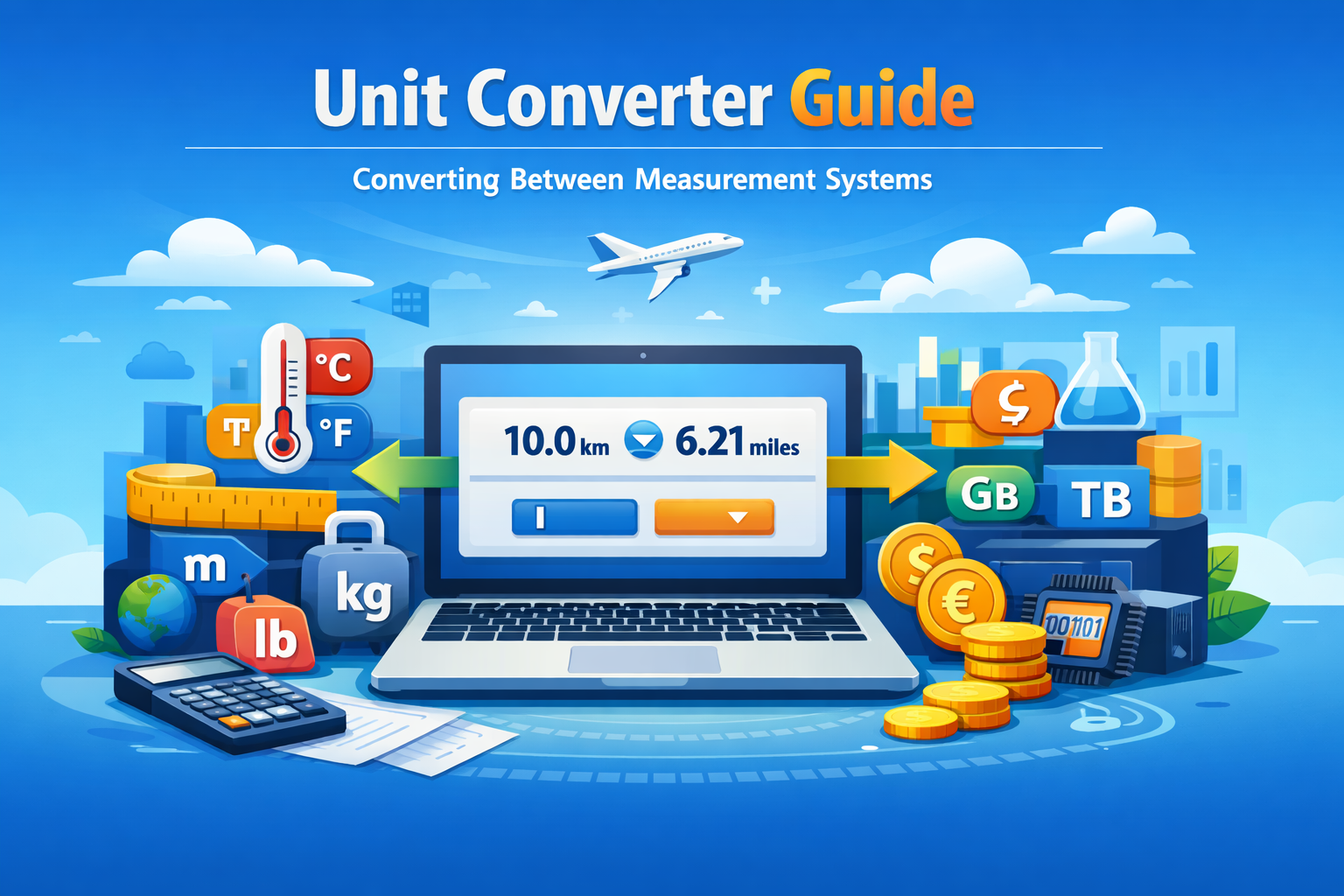
Unit Converter Guide: Converting Between Measurement Systems Made Easy
Learn how to convert between measurement systems ?????? with this complete unit converter guide. Simple steps, tools, and…
Sep 13, 2026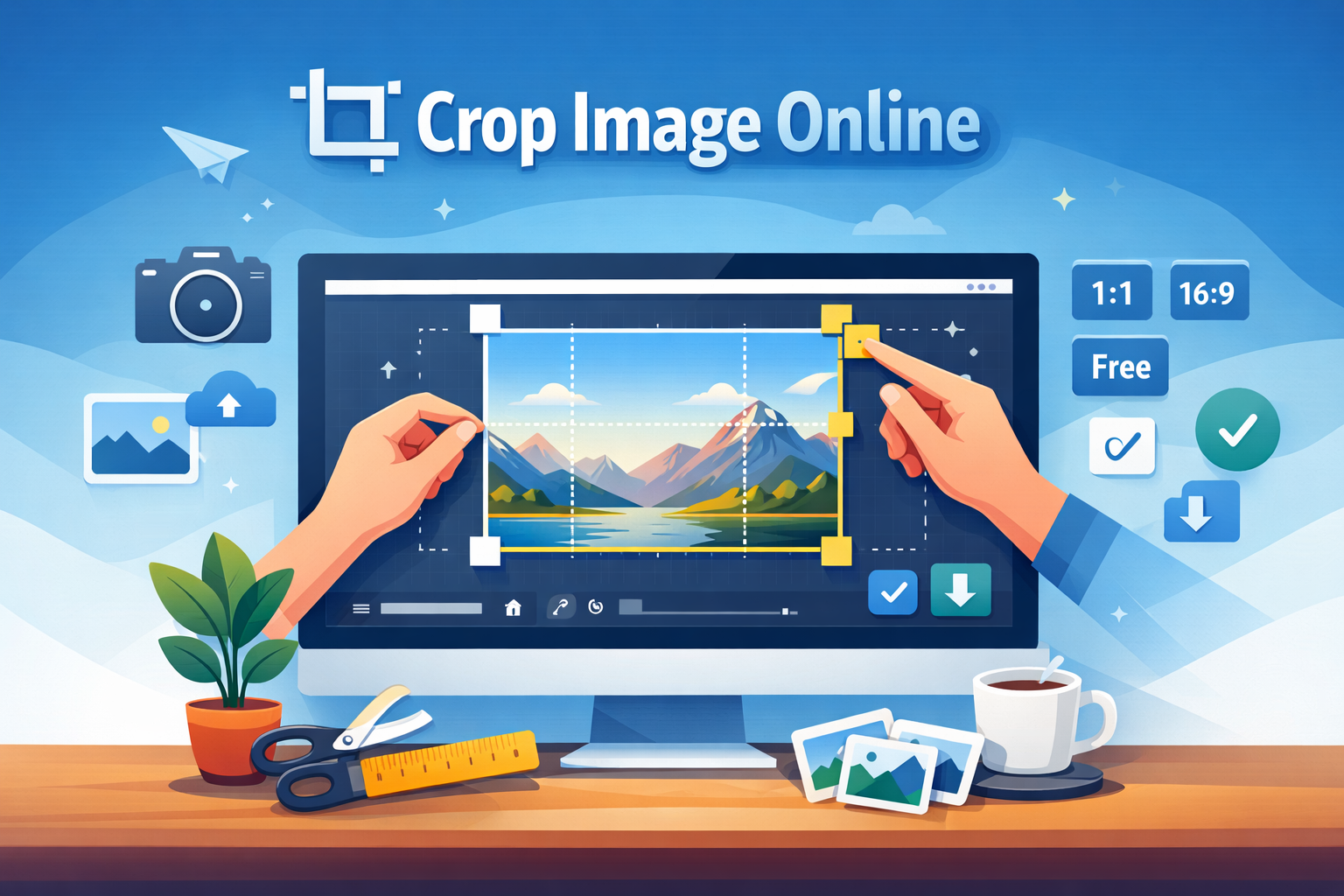
How to Crop Image Online Easily (Free & Fast Guide 2026)
Learn how to crop image online easily using free tools. Step-by-step guide, tips, and best practices to crop images quickly…
Sep 13, 2026
Add Watermark to Images Online – Protect Your Photos Instantly
Learn how to watermark image online quickly and securely. Protect your photos, brand your content, and prevent misuse with…
Sep 13, 2026About This Category
Tutorials Blogs
If you are someone who prefers learning by doing, this Tutorials category is built just for you. Whether you're a beginner trying to understand the basics or an experienced developer looking to sharpen your skills, our tutorials provide clear, step-by-step guidance to help you succeed. From web development and SEO to productivity tools and technical workflows, each guide is designed to be practical, easy to follow, and immediately useful. Instead of overwhelming theory, we focus on real-world applications so you can implement what you learn right away.
At Toolspedia, our goal is simple: make complex topics easy. These tutorials break down complicated processes into simple steps, helping you build confidence while learning. No matter your skill level, you’ll find valuable insights, actionable steps, and helpful tools that make your journey smoother and faster.
What You Will Learn in Tutorials
In this Tutorials category, you will discover a wide range of topics including web development basics, SEO optimization techniques, content creation strategies, technical troubleshooting, and performance improvement methods. You’ll also learn how to use online tools effectively, automate repetitive tasks, and improve your workflow.
Each tutorial is crafted to teach you not just what to do, but why it matters. This helps you build a deeper understanding, not just follow instructions blindly.
Why Tutorials is Important
Tutorials play a crucial role in modern learning. Instead of spending hours searching for scattered information, a well-structured tutorial gives you a clear roadmap. This saves time, reduces confusion, and improves your learning efficiency.
For example, if you want to improve your website speed, a tutorial will guide you step-by-step using tools like the Website Speed Checker or TTFB Checker, showing exactly what to analyze and fix.
In today’s fast-paced digital world, tutorials help individuals and businesses stay competitive by quickly learning new skills and technologies.
Key Topics Covered
- Web Development Tutorials: Learn HTML, CSS, JavaScript, and frameworks with practical examples and real-world projects.
- SEO Tutorials: Understand how to optimize websites for search engines using tools like Keyword Density Checker and Meta Tag Generator.
- Performance Optimization: Improve site speed, reduce load time, and enhance user experience using actionable techniques.
- Tool-Based Guides: Learn how to use powerful online tools effectively to save time and improve results.
Latest Trends in Tutorials
The way people learn is changing rapidly. Interactive tutorials, AI-powered learning, and micro-learning formats are becoming more popular. Instead of long lectures, users now prefer short, focused guides that solve specific problems.
Another growing trend is tool-based learning. For example, instead of reading theory about optimization, users directly use tools like Core Web Vitals Snapshot to analyze and improve their website performance in real time.
Video tutorials and visual guides are also gaining popularity, making learning more engaging and easier to understand.
Best Tools for Tutorials
Using the right tools can make learning faster and more effective. Here are some powerful tools you can use while following tutorials:
- JSON Formatter – Format and debug JSON data easily.
- JavaScript Minifier – Optimize your scripts for better performance.
- CSS Minifier – Reduce file size and improve load speed.
- HTML Formatter – Clean and organize your HTML code.
These tools are commonly used in tutorials and help you practice what you learn in real time.
Expert Tips & Strategies
To get the most out of tutorials, always follow along actively instead of just reading. Open your editor, try the steps yourself, and experiment with variations. This hands-on approach improves retention and builds confidence.
Break complex tutorials into smaller steps. Don’t rush. Take your time to understand each concept before moving forward.
Also, bookmark useful tools and resources so you can revisit them whenever needed. Consistency is key when learning new skills.
Common Mistakes to Avoid
One common mistake is skipping steps or trying to rush through tutorials. This often leads to confusion later. Always follow instructions carefully.
Another mistake is not practicing enough. Reading alone is not enough—you need to apply what you learn.
Many beginners also rely too much on copy-pasting code without understanding it. This slows down long-term growth. Always try to understand the logic behind each step.
How to Get Started
Getting started with tutorials is simple. First, choose a topic that matches your current skill level. If you're a beginner, start with basic tutorials and gradually move to advanced ones.
Next, gather the tools you need. For example, if you're learning web development, you might use tools like code formatters, validators, and performance checkers.
Follow the tutorial step-by-step and don’t hesitate to revisit sections if something is unclear. Practice regularly, and over time, you’ll notice significant improvement.
Explore Related Articles
Conclusion
Tutorials are one of the most effective ways to learn new skills quickly and efficiently. They provide clear direction, practical examples, and hands-on experience that traditional learning methods often lack.
Whether you're improving your technical skills, optimizing your website, or learning a new tool, tutorials help you achieve your goals faster. The key is consistency, practice, and a willingness to learn.
Try These Tools
Start practicing what you learn using tools like Website Speed Checker, Meta Tag Generator, and JavaScript Minifier. These tools make your learning journey more interactive and effective.