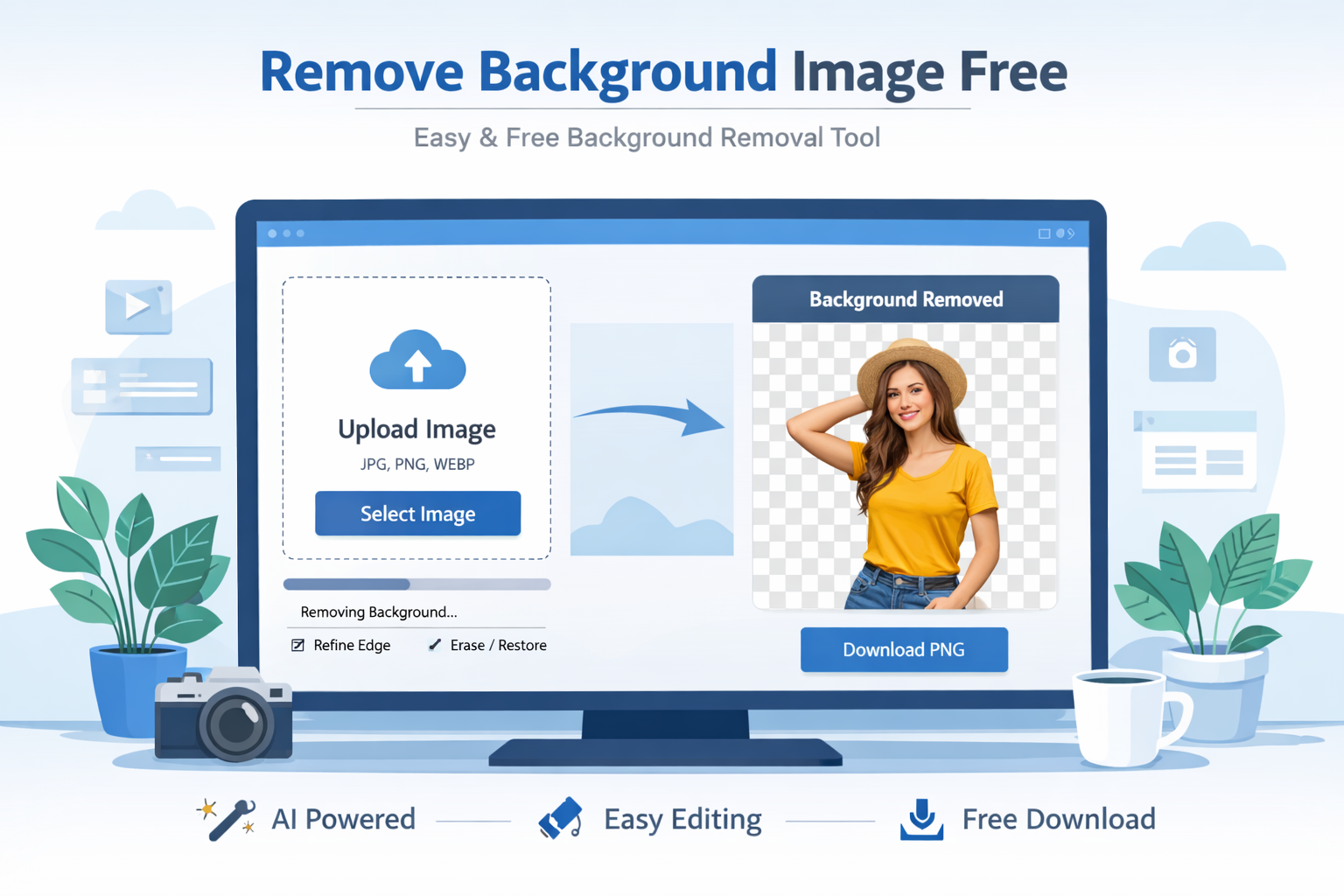
How to Remove Image Background Free (Step-by-Step Guide)
Removing the background from an image used to require expensive software and professional skills. Today, things are very different. With modern online tools and AI-powered editors, anyone can remove image background free within seconds. Whether you're a designer, marketer, student, or business owner, background removal helps you create clean, professional visuals without hassle.
Imagine you want to create a product image, a social media post, or a thumbnail. A clean background instantly improves the look and makes your subject stand out. The best part? You don’t need Photoshop anymore. You can use free tools available online, including the powerful Image Background Remover on Toolspedia.
In this guide, we’ll walk you through everything you need to know about removing image backgrounds for free, including tools, tips, and common mistakes to avoid.
What is remove background image free
Removing image background free means using tools or software to automatically or manually delete the background of an image without paying any cost. The goal is to isolate the subject—like a person, product, or object—and place it on a transparent or new background.
Modern tools use artificial intelligence to detect edges and separate the subject from the background in seconds. This process is especially useful for eCommerce, social media, marketing creatives, and website design.
Why it is important
Background removal plays a crucial role in digital content creation. Here’s why it matters:
Professional Look: Clean images look more polished and trustworthy.
Better Focus: Removes distractions and highlights the main subject.
Improved Conversions: Product images with transparent backgrounds perform better.
Design Flexibility: Easily place subjects on any background.
For example, if you are optimizing images for your website, combining background removal with techniques from our guide on Image Optimization Guide can significantly improve performance and SEO.
Step-by-step guide
Let’s go through a simple step-by-step process to remove image background free:
Step 1: Choose a Tool
Start by selecting a reliable online tool like the Image Background Remover.
Step 2: Upload Your Image
Click upload and select your image from your device. Make sure the subject is clear for better results.
Step 3: Automatic Processing
The tool will automatically detect the subject and remove the background using AI.
Step 4: Refine Edges
If needed, adjust edges or manually clean up small areas.
Step 5: Download
Download the final image in PNG format with a transparent background.
After removing the background, you can further enhance your image using tools like Image Editor or resize it with Image Resizer.
Best tools to use
Here are some of the best free tools you can use:
- Image Background Remover: Fast and accurate AI-based tool for removing backgrounds.
- Image Editor: Edit and customize your image after removing the background.
- Image Compressor: Reduce file size for faster website loading.
- Image Crop Tool: Adjust framing for better composition.
You can also explore advanced optimization strategies in our blog on Reduce Image Size Online to improve performance.
Tips and best practices
To get the best results, follow these tips:
Use high-quality images: Clear images give better results.
Keep contrast in mind: Subjects that contrast with the background are easier to detect.
Check edges carefully: Always refine edges for a clean finish.
Use transparent PNG: This format preserves background removal.
Combine tools: Use editing and compression tools together for best output.
Common mistakes
Even though tools are easy to use, many users make mistakes:
Using low-resolution images: Leads to poor results.
Ignoring edge cleanup: Leaves rough or unnatural edges.
Over-editing: Can make the image look artificial.
Wrong format: Saving as JPG removes transparency.
Conclusion
Removing image background free is now easier than ever thanks to modern AI tools. Whether you're working on a website, social media, or product listing, a clean image can make a huge difference. By using the right tools and following best practices, you can achieve professional results without spending money.
Start with simple tools, practice regularly, and combine editing techniques to improve your workflow. Over time, you’ll be able to create stunning visuals quickly and efficiently.