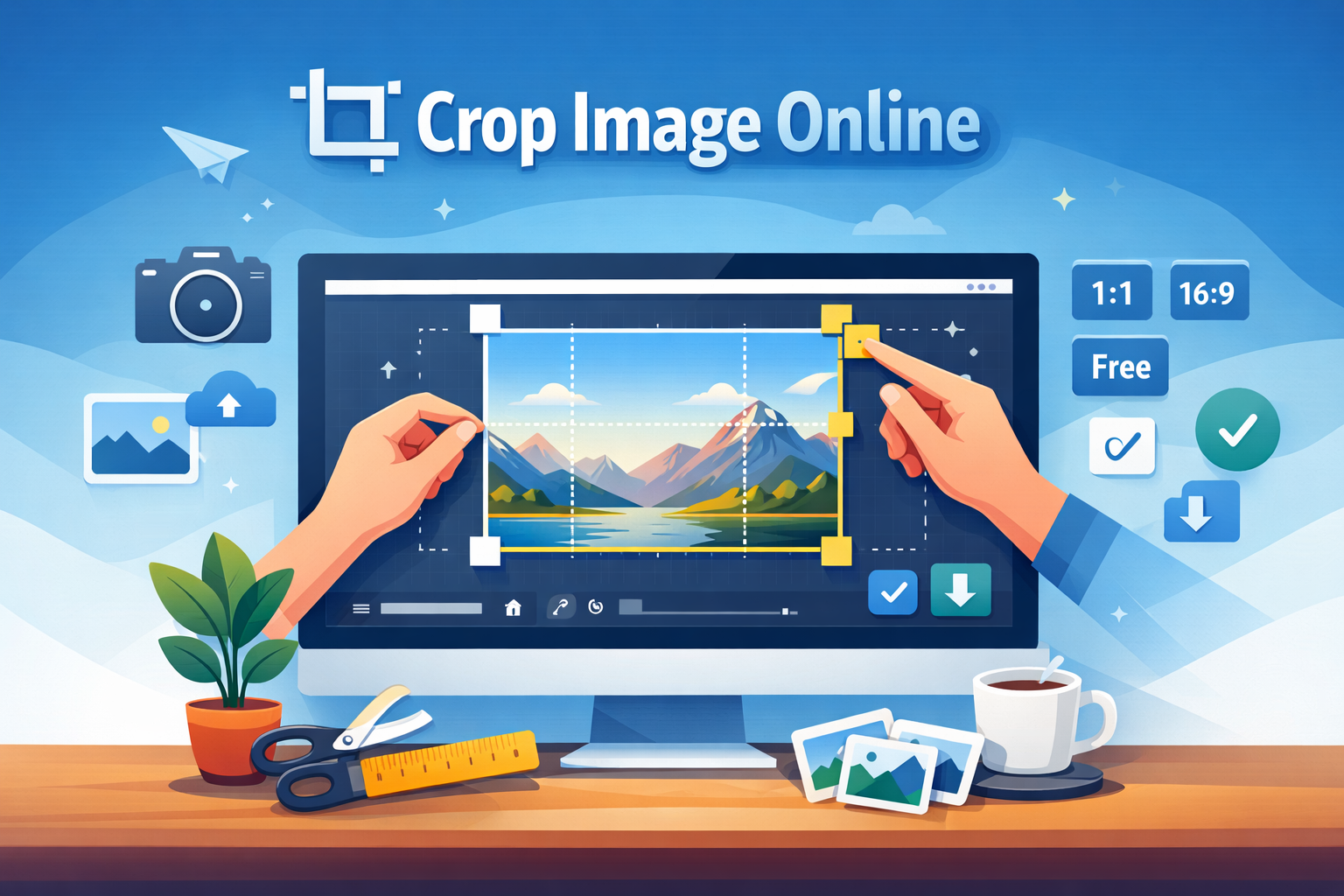
How to Crop Image Online Easily (Free & Fast Guide)
Cropping an image is one of the most basic yet powerful editing techniques. Whether you're preparing images for social media, websites, or personal use, knowing how to crop image online can save you time and effort. The best part? You don’t need any complicated software or design skills.
Online image cropping tools make the process quick, simple, and accessible from any device. Whether you're using a mobile phone, tablet, or desktop, you can crop images within seconds. In this guide, we’ll walk you through everything you need to know—from understanding image cropping to using the best tools and avoiding common mistakes.
What is crop image online
Crop image online means trimming or cutting parts of an image using an online tool without installing any software. You can remove unwanted areas, focus on a subject, or adjust image dimensions easily.
For example, if you have a photo with extra background, cropping helps you highlight only the important part. It is commonly used for profile pictures, product images, blog visuals, and social media posts.
Online tools provide features like fixed aspect ratios, free cropping, and preview options to make editing easier and faster.
Why it is important
Cropping images is not just about removing unwanted parts—it plays a big role in improving visual quality and user experience.
First, it helps you focus on the subject. A clean, well-cropped image looks more professional and engaging. Second, it improves website performance. Smaller, optimized images load faster, which is important for SEO.
For example, if you're running a blog or e-commerce store, properly cropped images can increase user engagement and conversions. A product image that highlights the main item clearly will perform much better than a cluttered one.
Additionally, cropping ensures your images fit perfectly into different platforms like Instagram, Facebook, or websites.
Step-by-step guide
Here is a simple step-by-step process to crop image online:
Step 1: Upload your image
Go to an online tool like Image Crop Tool and upload your image from your device.
Step 2: Select crop area
Use your mouse or touch screen to select the area you want to keep. Most tools allow you to drag and resize the selection box.
Step 3: Choose aspect ratio
If needed, select a predefined ratio like 1:1, 16:9, or custom size depending on your use case.
Step 4: Preview changes
Check how your cropped image looks before finalizing. Adjust if necessary.
Step 5: Download image
Once satisfied, click the crop button and download your edited image instantly.
This entire process usually takes less than a minute, making it ideal for quick edits.
Best tools to use
Here are some of the best tools available on Toolspedia for cropping and editing images:
- Image Crop Tool – Simple and fast cropping tool
- Image Resizer – Resize images after cropping
- Image Compressor – Reduce file size without losing quality
- Image Editor – Advanced editing options
- Image Background Remover – Remove backgrounds before cropping
For deeper insights on image optimization, check out this guide: Reduce Image Size Online. Also, if you want to explore more tools, read Top Image Compressor Tools.
Tips and best practices
To get the best results while cropping images online, follow these simple tips:
- Always keep the main subject centered
- Use the right aspect ratio for your platform
- Avoid over-cropping important elements
- Maintain image quality by using high-resolution files
- Preview before downloading
For example, if you are creating a YouTube thumbnail, use a 16:9 ratio. For Instagram posts, 1:1 or 4:5 works best.
Common mistakes
Many users make small mistakes that affect the final result. Here are some common ones to avoid:
- Cropping too much and losing important details
- Using the wrong aspect ratio
- Not checking preview before downloading
- Uploading low-quality images
- Ignoring alignment and composition
For instance, cropping a product image too tightly may remove context and make it look unprofessional.
Conclusion
Cropping images online is one of the easiest ways to improve your visuals instantly. With the right tools and techniques, you can create clean, professional images in seconds.
Whether you're a blogger, designer, marketer, or student, mastering this simple skill can save you time and enhance your content quality. The key is to use the right tool, follow best practices, and avoid common mistakes.
Start experimenting today and see how a simple crop can completely transform your images.
Try These Tools
Ready to get started? Try these tools now: