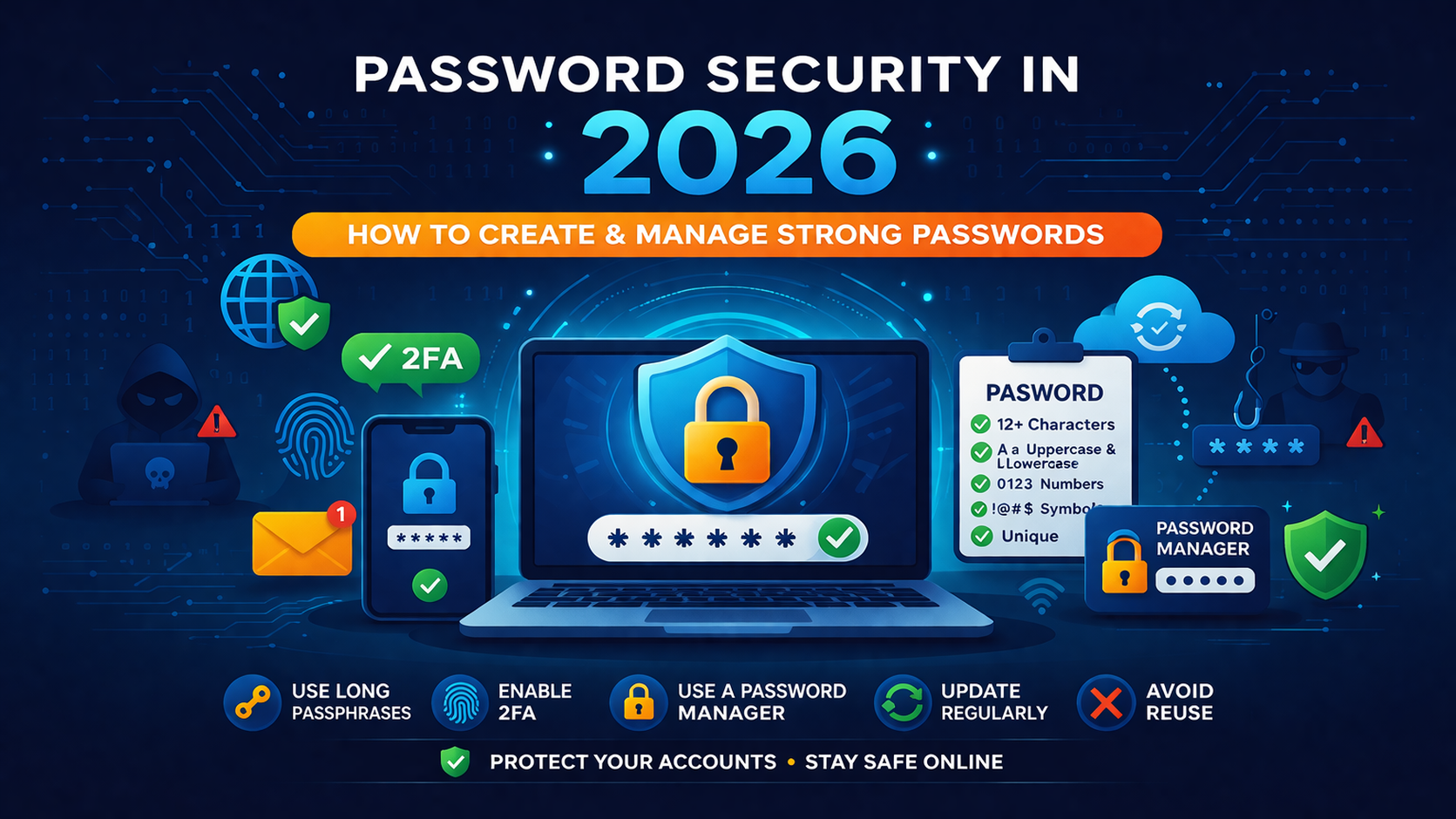
Password Security in 2026: How to Create and Manage Strong Passwords
In today’s digital world, password security is more important than ever. With cyber threats becoming more advanced in 2026, relying on simple passwords like “123456” or “password” is no longer an option. Whether you're managing personal accounts, business systems, or e-commerce platforms, strong passwords act as your first line of defense against hackers.
Many users underestimate how easily weak passwords can be cracked using automated tools. A single compromised password can lead to data theft, financial loss, or even identity fraud. That’s why understanding how to create and manage secure passwords is essential for everyone.
In this guide, we’ll walk you through everything you need to know about password security, including best practices, tools, and real-world strategies to keep your data safe. Let’s make your online presence more secure and future-proof.
What is Password Security in 2026: How to Create and Manage Strong Passwords
Password security refers to the methods and practices used to protect digital accounts by using strong and unique passwords. In 2026, this concept has evolved beyond just creating complex passwords. It now includes password managers, multi-factor authentication (MFA), and secure storage techniques.
A strong password is typically long, random, and contains a mix of uppercase letters, lowercase letters, numbers, and special characters. More importantly, each account should have a unique password to prevent a domino effect if one account is breached.
Modern password security also involves encryption, secure hashing, and protection against phishing attacks. Tools like Password Strength Checker help users evaluate how secure their passwords are in real-time.
Why it is important
Password security is critical because cyberattacks are increasing rapidly. Hackers use techniques like brute force attacks, dictionary attacks, and credential stuffing to gain access to accounts.
Imagine using the same password for your email and banking account. If your email gets hacked, your financial data could also be at risk. This is why strong and unique passwords are essential.
Additionally, businesses must ensure password security to protect customer data and maintain trust. Poor security can lead to data breaches, legal issues, and loss of reputation.
Using tools like Password Generator ensures that your passwords are both strong and unpredictable.
Step-by-step guide
Creating and managing strong passwords doesn’t have to be complicated. Follow these simple steps:
1. Create long passwords
Use at least 12–16 characters. Longer passwords are significantly harder to crack.
2. Use a mix of characters
Combine uppercase, lowercase, numbers, and symbols. Avoid predictable patterns.
3. Avoid personal information
Never use your name, birthdate, or common words. Hackers can easily guess these.
4. Use unique passwords for each account
This prevents multiple accounts from being compromised if one password is leaked.
5. Enable two-factor authentication (2FA)
Adding an extra layer of security makes it much harder for attackers to access your accounts.
6. Store passwords securely
Use password managers instead of writing passwords in plain text.
7. Regularly update passwords
Change passwords periodically, especially for sensitive accounts.
You can also learn more about optimizing your website security in this guide: Open Graph Tags Guide.
Best tools to use
Using the right tools can make password management much easier and safer. Here are some essential tools:
- Password Generator – Instantly create strong and secure passwords.
- Password Strength Checker – Test how secure your password is.
- Hash Generator – Convert passwords into secure hashes for storage.
- UUID Generator – Generate unique identifiers for secure systems.
- JSON Validator – Useful for developers managing secure data structures.
For more technical insights, check out this guide: JSON Guide for Developers.
Tips and best practices
Here are some practical tips to improve your password security:
- Use passphrases instead of single words (e.g., “BlueSky!RunsFast2026”).
- Enable biometric authentication where possible.
- Avoid saving passwords in browsers without encryption.
- Use a trusted password manager.
- Monitor accounts for suspicious activity.
Think of your password like a house key. You wouldn’t give the same key to everyone or leave it under the doormat. Treat your passwords with the same level of care.
Common mistakes
Even experienced users make mistakes when it comes to password security. Here are some common ones:
- Using the same password across multiple sites
- Choosing short or simple passwords
- Ignoring security updates
- Sharing passwords ??? email or messaging apps
- Not enabling 2FA
Avoiding these mistakes can significantly reduce your risk of being hacked.
Conclusion
Password security in 2026 is no longer optional—it’s a necessity. With increasing cyber threats, taking proactive steps to secure your accounts can save you from serious consequences.
By creating strong passwords, using reliable tools, and following best practices, you can protect your personal and professional data effectively. Remember, security is not a one-time task—it’s an ongoing process.