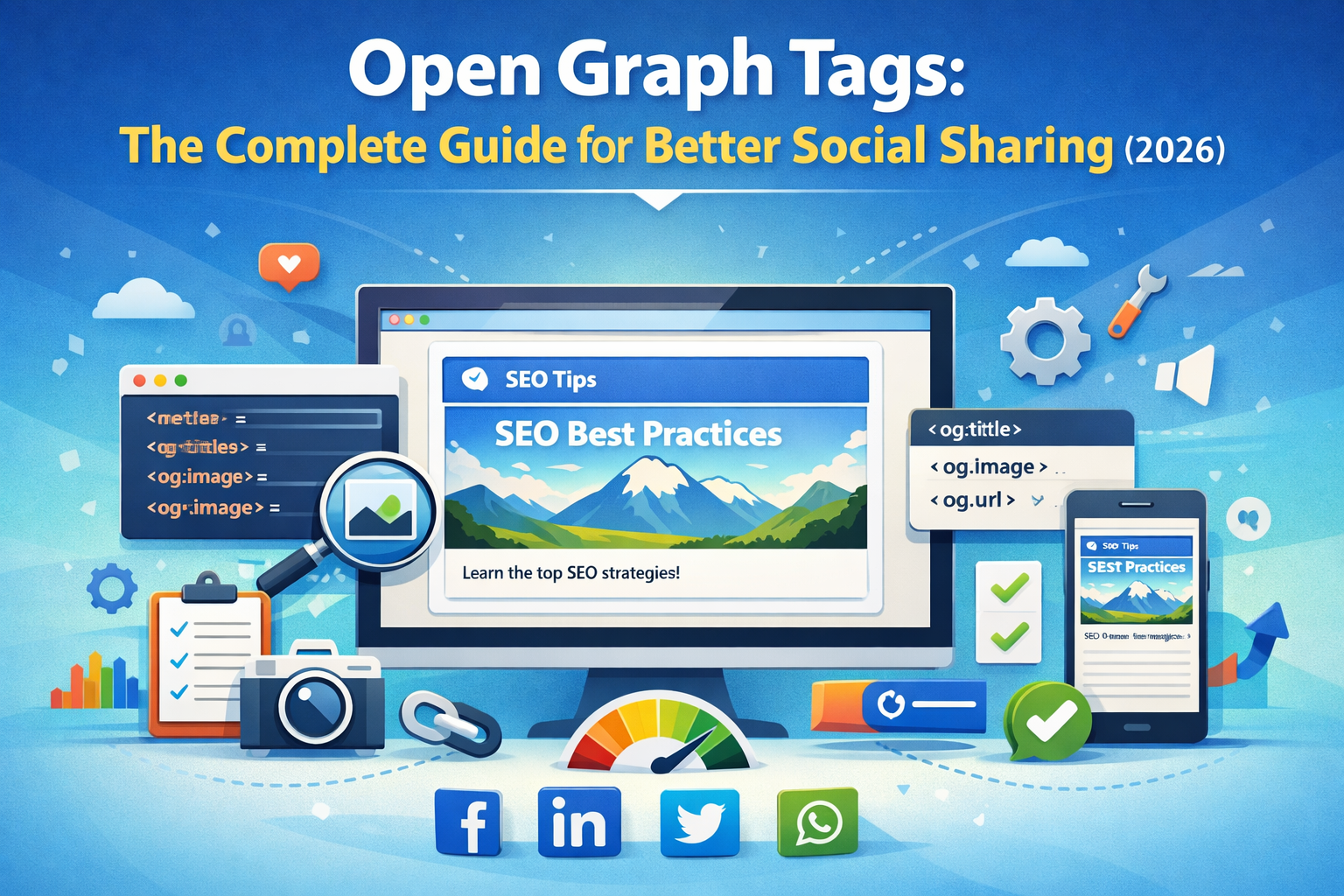
Open Graph Tags: The Complete Guide for Better Social Sharing (2026)
Have you ever shared a link on Facebook or LinkedIn and noticed how it automatically shows an image, title, and description? That’s the power of Open Graph tags.
Without proper Open Graph (OG) tags, your shared links can look messy, unprofessional, or even broken. This directly impacts your click-through rate and user engagement.
In this guide, you’ll learn how Open Graph tags work, why they matter for SEO and social media, and how to implement them correctly to boost your content performance.
What is Open Graph Tags: The Complete Guide for Better Social Sharing
Open Graph tags are meta tags added to your website’s HTML. They help social media platforms understand your content and display it properly when shared.
Originally introduced by Facebook, Open Graph is now supported by platforms like LinkedIn, Twitter (partially), and WhatsApp.
Common OG tags include:
- og:title – The title of your page
- og:description – A short summary
- og:image – The preview image
- og:url – The canonical URL
- og:type – Content type (article, website, etc.)
Why it is important
Open Graph tags are essential for social media optimization (SMO). They control how your content appears when shared.
- Higher CTR: Attractive previews increase clicks
- Better branding: Maintain consistent visuals
- Improved user experience: Clear and informative previews
- More traffic: Better visibility leads to more visitors
Imagine sharing a blog post without an image or with a wrong title—it can reduce engagement significantly.
Step-by-step guide
1. Add basic Open Graph tags
Insert the following tags inside the <head> section of your HTML:
<meta property="og:title" content="Your Page Title" /> <meta property="og:description" content="Your description here" /> <meta property="og:image" content="image-url.jpg" /> <meta property="og:url" content="https://yourwebsite.com" /> <meta property="og:type" content="website" />
2. Optimize your image
Use high-quality images (1200x630 px recommended). Compress images using Image Compressor to improve loading speed.
3. Use correct canonical URL
Ensure your URL is correct and consistent using Canonical URL Checker.
4. Test your tags
Validate your OG tags using Open Graph Generator or HTTP Headers Checker.
5. Monitor performance
Check how your pages perform using Core Web Vitals Snapshot.
Best tools to use
- Open Graph Generator: Quickly create OG tags
- Image Compressor: Optimize preview images
- Canonical URL Checker: Avoid duplicate URLs
- HTTP Headers Checker: Debug meta data
- Core Web Vitals Tool: Improve performance
For deeper understanding, check Social Media Optimization: Hashtag Strategies That Actually Work.
Also read Complete Guide to Schema Markup to enhance SEO further.
Tips and best practices
- Use unique titles for every page
- Keep descriptions under 160 characters
- Always include high-quality images
- Use absolute URLs for images
- Test your links before sharing
A well-optimized Open Graph setup can significantly increase your social traffic.
Common mistakes
- Missing OG tags
- Using low-quality images
- Incorrect URLs
- Duplicate titles and descriptions
- Not testing before publishing
Even small mistakes can lead to poor previews and lost traffic opportunities.
Conclusion
Open Graph tags are a simple yet powerful way to improve how your content appears on social media. They help you control your brand image, increase engagement, and drive more traffic.
If you're serious about SEO and social media growth, implementing OG tags is a must. Start optimizing today and make every share count.