Best Image Resizer Online Tools (Free & Fast in 2026)
Images play a huge role in modern websites, social media, and digital marketing. But large image files can slow down your website, affect SEO rankings, and frustrate users. That’s where an image resizer online becomes essential.
Whether you're a blogger, developer, designer, or business owner, resizing images properly helps improve performance and user experience. The best part? You don’t need expensive software—there are powerful online tools that can do the job instantly.
In this guide, we’ll explore the best online image resizer tools, how to use them, and practical tips to get the best results without losing quality.
What is image resizer online
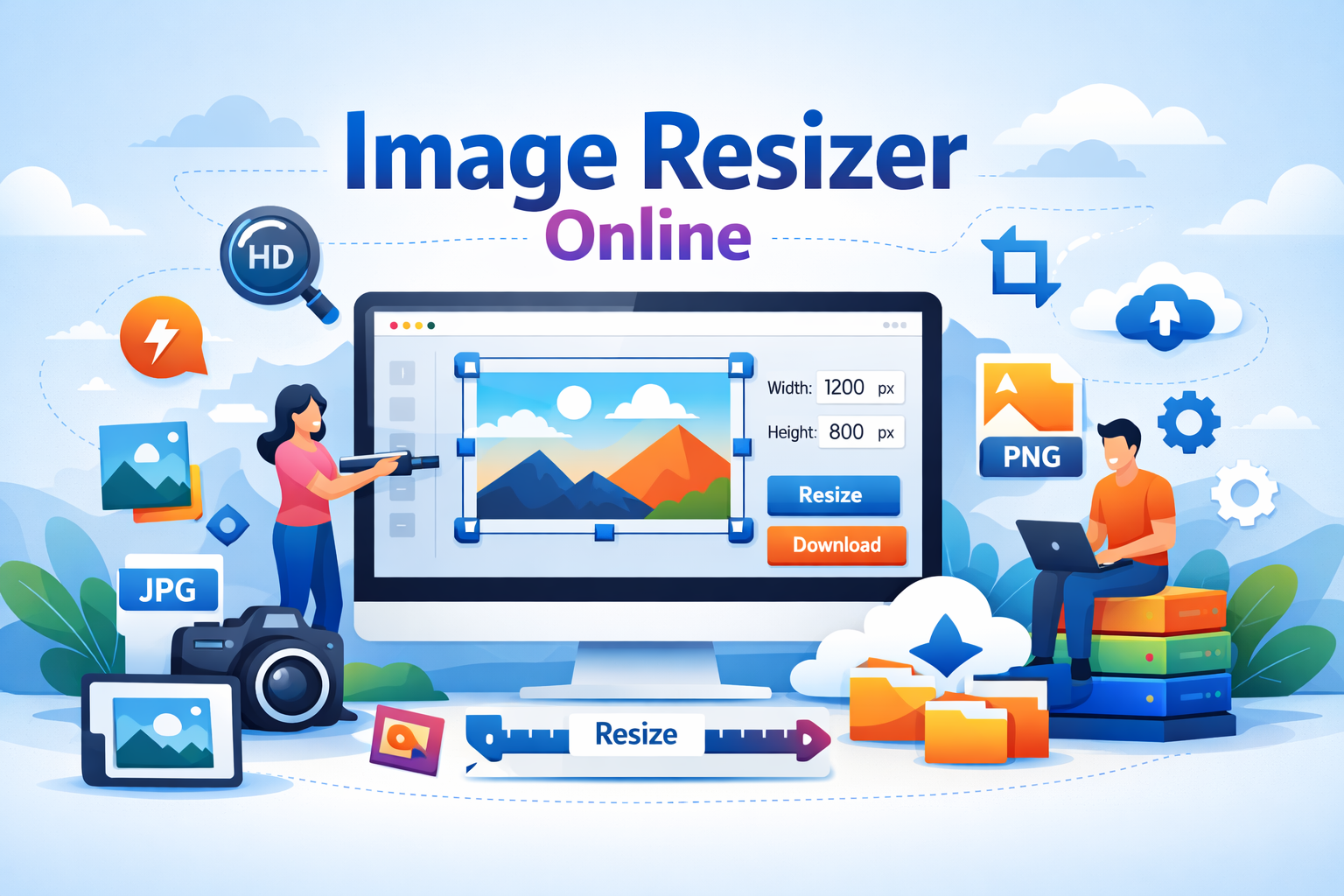
An image resizer online is a web-based tool that allows you to change the dimensions (width and height) or file size of an image without installing any software. These tools work directly in your browser, making them fast and convenient.
For example, if you upload a 4000x3000 image, you can resize it to 1200x800 for web use or social media platforms like Instagram or Facebook.
Most tools also offer additional features such as cropping, compressing, and format conversion, making them all-in-one solutions for image optimization.
Why it is important
Using an image resizer online is not just about convenience—it has real benefits for performance, SEO, and usability.
1. Faster website speed: Large images slow down your site. Resizing reduces load time, improving user experience and SEO.
2. Better SEO rankings: Search engines like Google prioritize fast-loading websites. Optimized images help boost your rankings.
3. Improved user experience: Properly sized images look clean and professional on all devices.
4. Social media optimization: Each platform has specific image dimensions. Resizing ensures your visuals look perfect everywhere.
If you're serious about website performance, you should also read this guide: Image Optimization Guide.
Step-by-step guide
Resizing images online is simple. Here’s a quick step-by-step process:
Step 1: Upload your image to the tool.
Step 2: Choose dimensions (width & height) or percentage scaling.
Step 3: Select output format (JPG, PNG, WebP).
Step 4: Adjust quality settings if available.
Step 5: Click resize and download your optimized image.
That’s it! The entire process usually takes less than a few seconds.
Best tools to use
Here are some of the best tools you can use for resizing images efficiently:
1. Image Resizer
A simple and fast tool designed specifically for resizing images. Perfect for beginners and professionals alike.
2. Image Compressor
If you want to reduce file size along with dimensions, this tool is ideal.
3. JPG to WebP Converter
Convert and resize images for modern formats that improve performance.
4. Image Crop Tool
Resize and crop images to exact dimensions for social media or banners.
5. Image Editor
An all-in-one solution for editing, resizing, and enhancing images.
For a broader toolkit, check this: Content Marketing Toolkit.
Tips and best practices
To get the best results from an image resizer online, follow these tips:
Use the right dimensions: Always match your image size to the platform requirements.
Maintain aspect ratio: Avoid stretching images. Keep proportions consistent.
Choose the right format: Use WebP for web performance, PNG for transparency, and JPG for photos.
Compress after resizing: Resizing reduces dimensions, but compression reduces file size further.
Test performance: After uploading images, check your site speed using tools.
Common mistakes
Even though resizing images is simple, many users make avoidable mistakes:
Uploading original large images: Always resize before uploading.
Ignoring quality settings: Over-compression can ruin image quality.
Wrong dimensions: Using incorrect sizes can break layouts.
Not using modern formats: WebP images are smaller and faster.
Skipping optimization: Resizing alone is not enough—combine it with compression.
Conclusion
Using an image resizer online is one of the easiest ways to improve your website performance and user experience. Whether you're optimizing images for SEO, social media, or faster loading times, these tools save time and deliver great results.
The key is to choose the right tool, follow best practices, and avoid common mistakes. With just a few clicks, you can transform heavy images into lightweight, high-quality assets.
Try These Tools
Ready to get started? Try these powerful tools now: