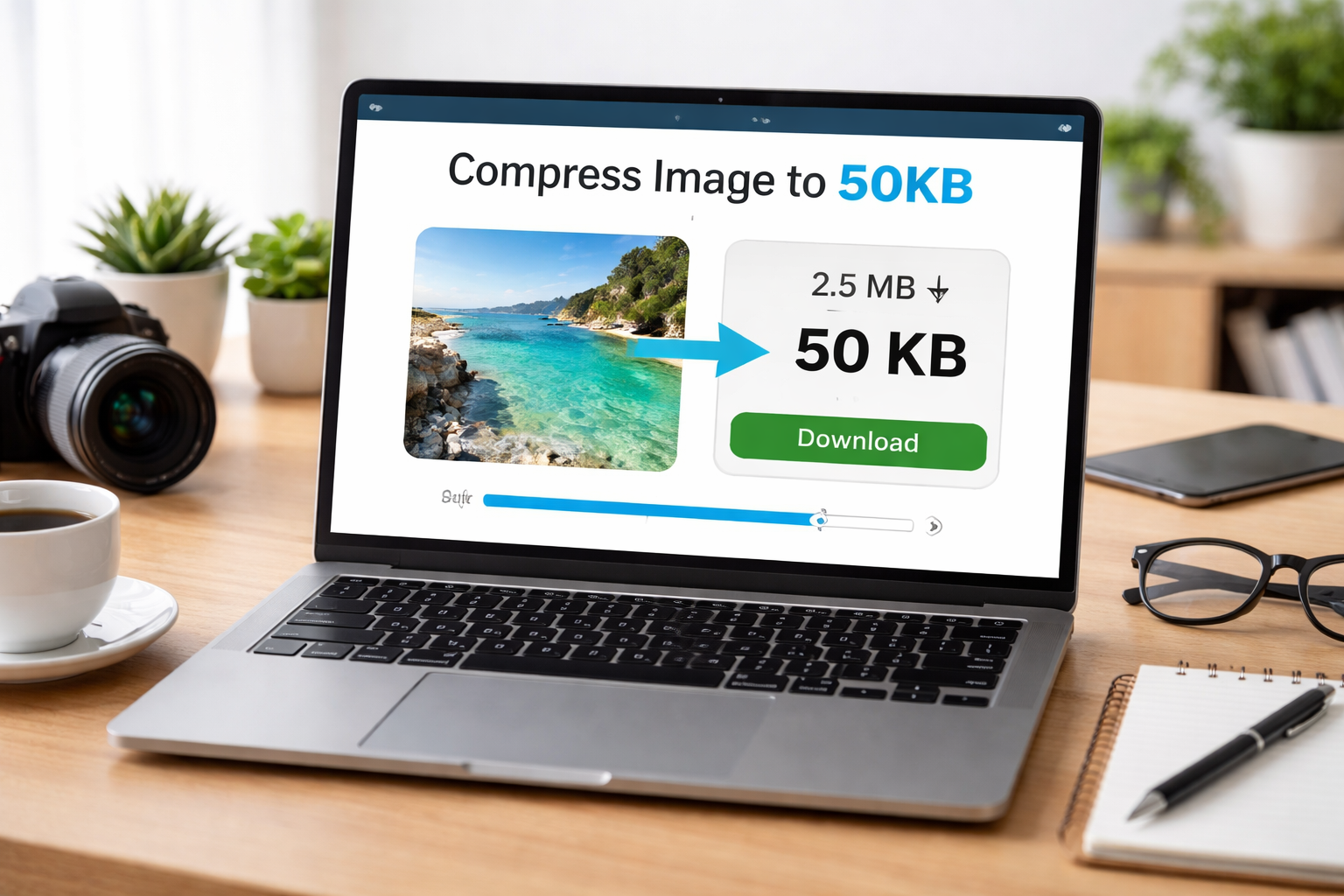
Compress Image to 50KB Online Free (Fast & Easy Guide 2026)
Images are an important part of websites, forms, and online applications. But sometimes, you need to upload images with strict size limits like 50KB, especially for government forms, job applications, or online exams.
Many users struggle to reduce image size without losing quality. If you compress incorrectly, your image may become blurry or unusable.
In this guide, you will learn how to compress image to 50KB online free, step-by-step. We will also share the best tools, tips, and common mistakes to avoid.
What is “Compress Image to 50KB”?
Compressing an image to 50KB means reducing the file size so it does not exceed 50 kilobytes.
- Reducing image quality
- Changing resolution
- Optimizing file format
Example: 2MB ? 50KB
Use this tool: Image Compressor
Why It Is Important
- Required for forms
- Faster website speed
- Save storage space
- Better user experience
You can also resize images using Image Resizer.
Step-by-Step Guide
- Go to Image Compressor
- Upload your image
- Set target size to 50KB
- Adjust quality
- Download image
Alternative Method
First resize using Image Resizer, then compress again.
Best Tools to Use
- Image Compressor – Fast and easy
- Image Resizer – Resize before compression
- JPG to PNG Converter – Format conversion
- PNG to JPG Converter – Reduce size
- Image Cropper – Remove extra parts
Tips and Best Practices
- Use JPG format
- Resize before compressing
- Avoid over-compression
- Keep backup
- Use trusted tools
Read more: How to Optimize Images for SEO
Common Mistakes
- Over-compressing
- Wrong format selection
- Not resizing first
- Uploading large images directly
Learn more: Common Image SEO Mistakes
Conclusion
Compressing an image to 50KB is easy if you use the right tools and steps. Resize first, then compress to achieve the perfect balance between size and quality.