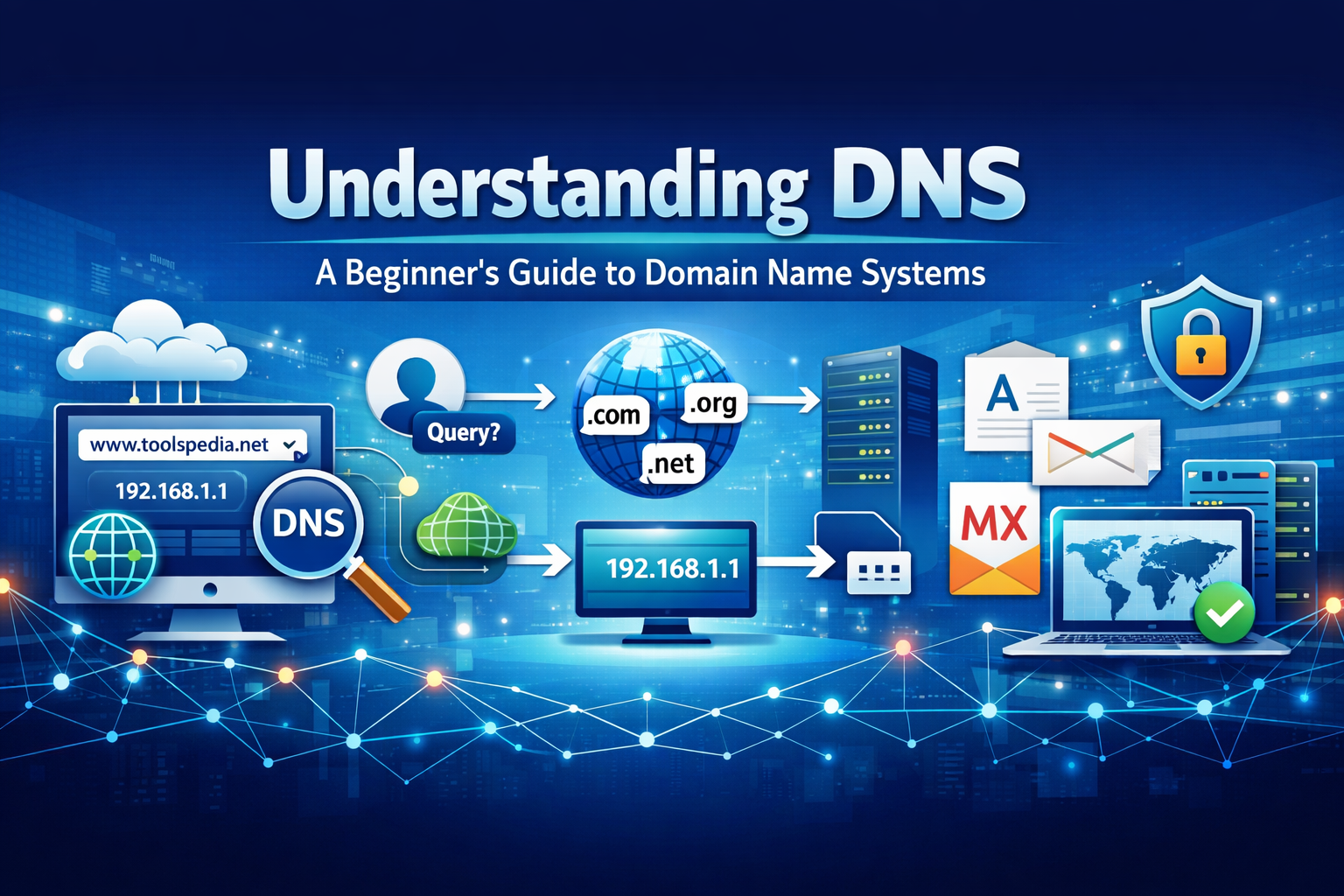
Understanding DNS: A Beginner's Guide to Domain Name Systems
Have you ever wondered what happens when you type a website address into your browser? Behind the scenes, something called DNS (Domain Name System) works instantly to connect you to the right server. Without DNS, you would need to remember complex IP addresses instead of simple domain names like toolspedia.net.
DNS is one of the most essential parts of the internet, yet many beginners overlook it. Whether you're a developer, website owner, or digital marketer, understanding DNS can help you troubleshoot issues, improve performance, and manage domains efficiently.
In this beginner-friendly guide, we will break down DNS in simple terms, explain how it works, and show you useful tools to manage it effectively.
What is Understanding DNS: A Beginner's Guide to Domain Name Systems
DNS stands for Domain Name System. It is like the phonebook of the internet. Instead of remembering IP addresses like 192.168.1.1, DNS allows users to type human-readable domain names.
When you enter a domain name, DNS translates it into an IP address that computers can understand. This process is called DNS resolution.
For example:
- You type: toolspedia.net
- DNS finds the IP address
- Your browser connects to the server
This process happens in milliseconds, making the internet fast and user-friendly.
Why it is important
DNS plays a critical role in how websites function. Without it, the internet would be extremely difficult to use.
Here’s why DNS is important:
- User-friendly browsing: No need to remember IP addresses
- Website performance: Faster DNS improves loading speed
- Security: Helps prevent malicious access
- Email delivery: DNS records control email systems
If your DNS is misconfigured, your website may not load at all. That’s why understanding it is essential for website owners and developers.
Step-by-step guide
Let’s break down how DNS works step by step:
1. User enters a domain
You type a website URL into your browser.
2. DNS query is sent
Your system sends a request to a DNS resolver.
3. Resolver checks cache
If the IP is cached, it returns instantly.
4. Query goes to DNS servers
If not cached, it queries root, TLD, and authoritative servers.
5. IP address is returned
The correct IP is sent back to your browser.
6. Website loads
Your browser connects to the server and displays the site.
This entire process takes milliseconds but involves multiple systems working together.
Best tools to use
Managing DNS becomes much easier with the right tools. Here are some of the best ones you can use:
- DNS Lookup – Quickly check DNS records of any domain
- Whois Lookup – Get domain ownership and registration details
- DNS Propagation Checker – Track DNS updates globally
- MX Record Checker – Verify email server configurations
- NS Record Checker – Check nameserver details
For deeper understanding, you can also read Unit Converter Guide: Converting Between Measurement Systems Made Easy and Content Marketing Toolkit: 15 Free Tools to Boost Your Strategy to improve your technical and marketing knowledge.
Tips and best practices
To get the most out of DNS, follow these best practices:
- Use reliable DNS providers for better uptime
- Keep TTL values optimized for faster updates
- Regularly check DNS records for errors
- Secure your domain with DNSSEC
- Monitor DNS changes to avoid downtime
These small improvements can make a big difference in your website performance and reliability.
Common mistakes
Many beginners make simple DNS mistakes that can cause major issues:
- Incorrect A record pointing to wrong IP
- Missing MX records affecting email delivery
- Forgetting DNS propagation delays
- Using outdated nameservers
- Not backing up DNS configurations
Avoiding these mistakes can save you hours of troubleshooting.
Conclusion
DNS is the backbone of the internet. It silently connects users to websites and ensures everything works smoothly. While it may seem technical at first, understanding the basics can give you a strong advantage as a developer or website owner.
By learning how DNS works and using the right tools, you can improve your website’s performance, security, and reliability.
Try These Tools
Start exploring DNS with these tools: