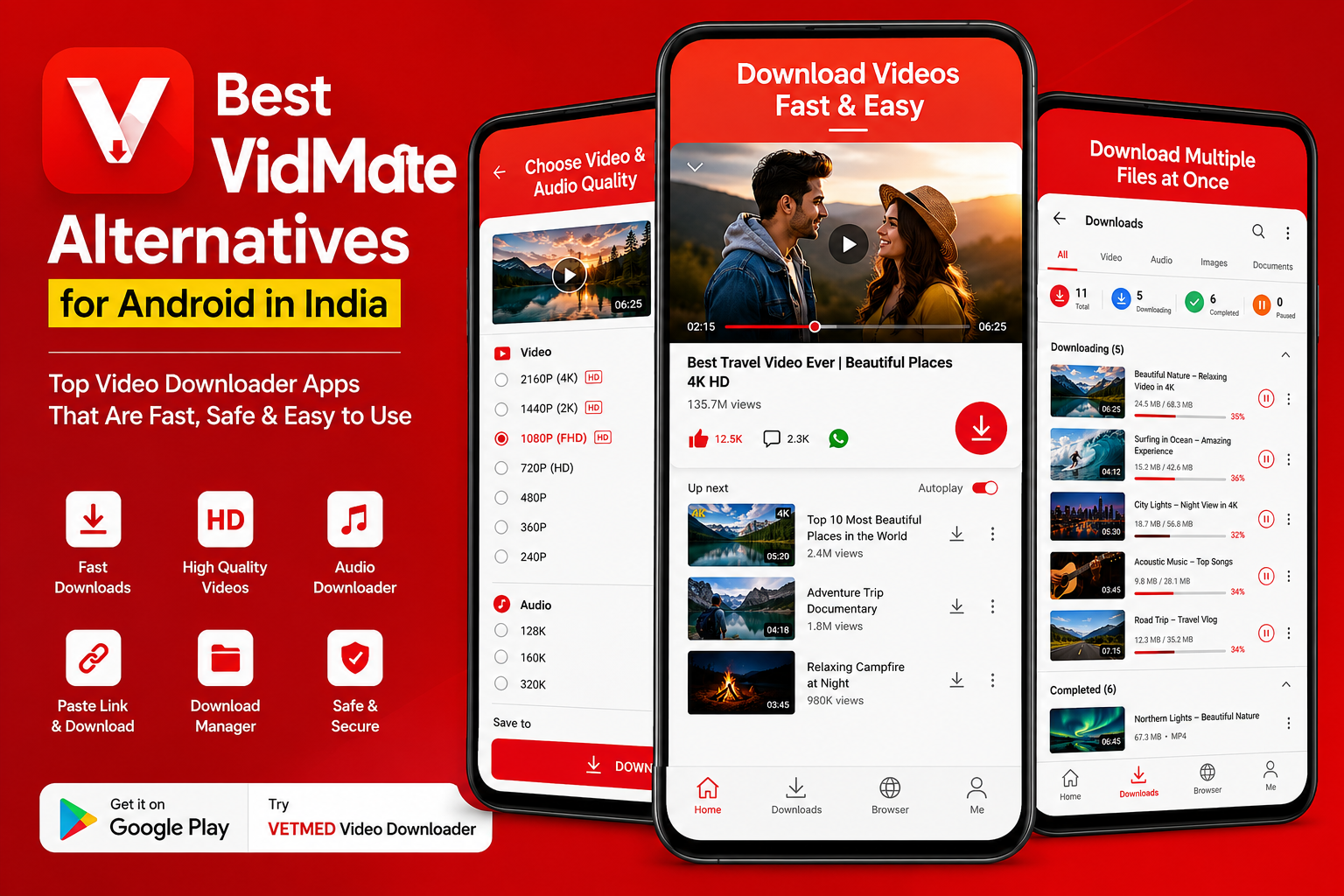
Best VidMate Alternatives for Android in India
If you're looking for the best VidMate alternatives for Android in India, you've got several options worth checking out. VidMate became popular because people wanted a simple way to browse videos and save supported content, but you don't have to rely on one app. The right alternative depends on the websites you use, the download features you need, and how simple you want the experience to be.
What Makes a Good VidMate Alternative?
A good alternative should make downloading supported online videos straightforward without making the process unnecessarily complicated. Look for an app with a clean interface, a useful download manager, support for different video qualities, and clear controls for managing downloaded files.
It's also worth checking exactly which websites and types of content an app supports. Not every downloader works with every website, and some platforms restrict downloading through their own terms or technical systems. So don't assume that an app supporting one website will automatically work everywhere.
Why People Look for VidMate Alternatives
There are a few common reasons people search for a VidMate alternative. Some users want a simpler interface. Others want better download management or an app that's easier to find through Google Play.
Availability is another reason. VidMate isn't distributed through Google Play, so Android users who prefer installing apps from Google's official app store often look for alternatives that are available there.
There's also the question of trust. When installing an Android app from outside Google Play, users have to pay more attention to where the APK comes from and whether the source is trustworthy. A Play Store alternative can be more convenient for people who prefer Google's normal installation process.
Best VidMate Alternatives for Android in India
1. VETMED Video Downloader
VETMED Video Downloader is an option for Android users who want a dedicated video downloading app. It focuses on making the downloading process simple, with a video downloader interface designed for managing supported downloads.
If you're specifically looking for a VidMate alternative that's available through Google Play, you can check out VETMED Video Downloader on Google Play.
Before downloading anything, make sure the content is available for downloading and that your use follows the rules of the website or service where the video is hosted.
2. Browser-Based Video Downloaders
Some Android users don't want another dedicated app at all. Browser-based download tools can be useful when you only need to save supported online content occasionally.
The advantage is simple: there's no need to keep another downloader installed. You open the appropriate website, provide the supported media URL, and follow the available download options.
The downside is that browser-based tools can vary considerably in quality. Some contain aggressive advertising or confusing download buttons, so be careful about what you click.
3. Platform-Specific Download Tools
Another option is to use a downloader designed around a particular platform. For example, a tool built specifically for Instagram, Facebook, TikTok, or another supported service may provide a more focused experience.
This approach makes sense if you mostly download content from one particular platform. You don't necessarily need a general-purpose downloader when your requirements are very specific.
4. Built-In Offline Features
Sometimes the best alternative to a third-party downloader is the official offline feature provided by the platform itself.
Several video services offer their own ways to save content for offline viewing, depending on the platform, account, region, and type of content. These options are generally the safest choice when they're available because you're using the service's own functionality.
How to Choose the Right VidMate Alternative
Don't choose an app just because its name appears in a list of VidMate alternatives. Look at what you actually need.
Check website support. Make sure the app supports the websites you regularly use. This is probably the first thing to check.
Look at download controls. If you regularly download large files, features such as pause and resume can make a noticeable difference.
Check available quality options. Some downloaders provide different quality or format options when they're available from the source.
Consider the installation source. If you prefer Google Play, look for alternatives available through the Play Store rather than downloading APK files from unknown websites.
Read recent reviews. Reviews can reveal whether an app is still maintained and whether users are experiencing problems with downloads, crashes, or excessive advertising.
I've found that the simplest downloader is often the better choice. You don't need twenty settings if your main goal is to download a supported video and find it easily afterward.
How to Download Videos More Safely
Before downloading an Android video downloader, check where you're getting it from. Google Play is generally the first place to look when an app is available there.
If you're downloading an APK from another website, be much more careful. Avoid random download sites, suspicious pop-ups, and files that ask for permissions that don't make sense for the app's purpose.
You should also respect copyright and the terms of the service you're using. Downloading a video doesn't automatically give you permission to republish it, sell it, or use it commercially.
Tips for Better Video Downloads
- Use a stable Wi-Fi connection for large downloads.
- Check the available video quality before starting a download.
- Keep enough free storage on your phone.
- Use a reliable download manager when downloading multiple files.
- Keep your Android apps updated.
- Download only content you're allowed to save.
- Be careful with fake download buttons on unfamiliar websites.
If you're working with downloaded video files afterward, Toolspedia also has useful browser-based tools. For example, the Video Frame Extractor can be useful when you need to pull individual frames from a video, while the Video to GIF Converter can turn suitable video clips into GIFs.
Common Mistakes to Avoid
One common mistake is assuming that every video downloader can download from every website. That's rarely the case. Websites use different technologies, restrictions, and delivery systems, so compatibility can change.
Another mistake is downloading an app from the first APK website that appears in a search result. A familiar-looking website doesn't automatically mean the APK is safe.
People also sometimes choose the highest available video quality without considering storage. A high-resolution video can take significantly more space than a lower-quality version, especially when you're downloading several files.
And don't forget about permissions. If a simple downloader asks for access that doesn't seem related to its function, take a moment to understand why before accepting it.
Try These Tools
Once you've downloaded your videos, you may need other tools to work with them. Toolspedia offers several browser-based utilities that can help with common media tasks.
You can use the Video Frame Extractor when you need a still image from a video. If you're creating a short animated clip, the Video to GIF Converter is another handy option.
If you prefer using an Android app for downloading supported videos, VETMED Video Downloader is available on Google Play.
The best VidMate alternative isn't necessarily the app with the longest feature list. It's the one that supports the content you actually use, comes from a source you trust, and doesn't make a simple download unnecessarily difficult.